

 AI Engineering
 Ecommerce Engineering
 Product Engineering
 Product Design
 Platform & Integrations
 Managed Engineering
iOS + Android
from one Flutter codebase
Offline
first: scanning keeps working without signal
6
feature areas, from scanning to timesheets
The product
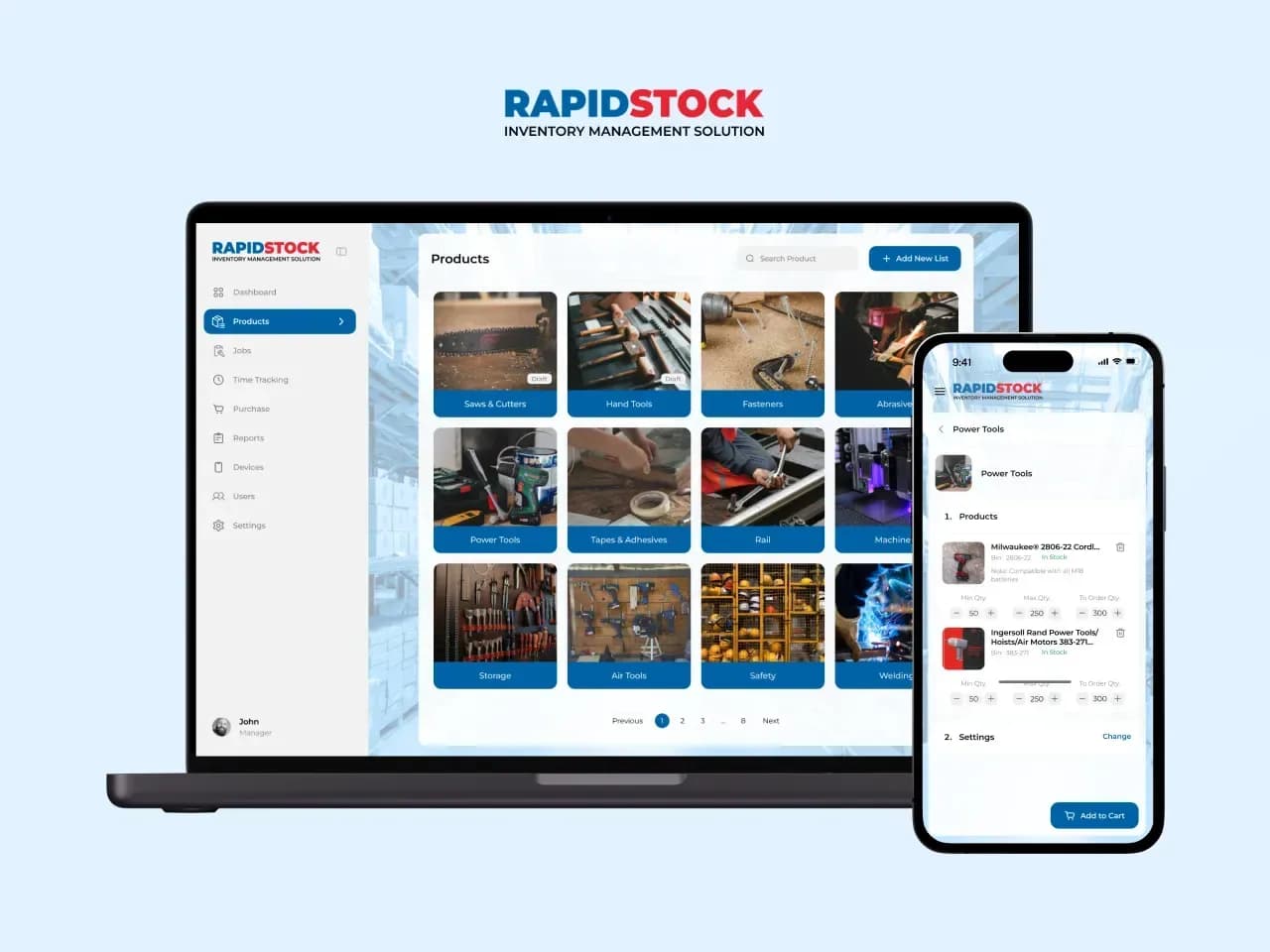
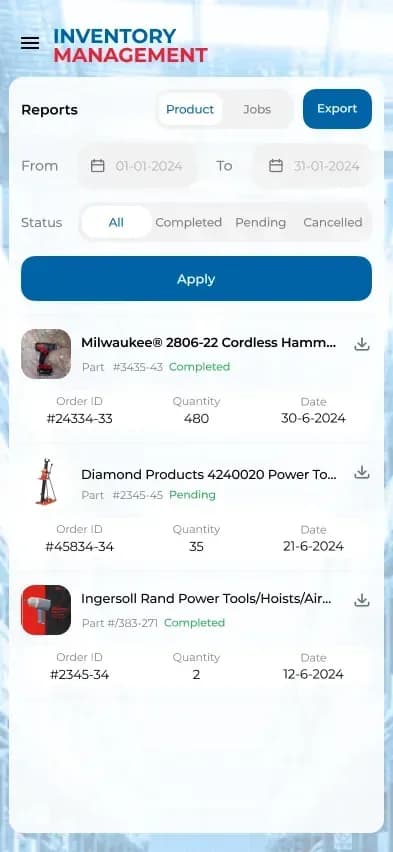
RapidStock is a business-to-business application for companies that manage inventory, procurement and stock control. It gives staff a fast way to find products, record what they use against a job, run stocktakes and send replenishment orders for approval.
It was built for, and alongside, the BST Group multistore: the same team runs the Magento stores and the app that talks to them.
The brief
Warehouse floors and job sites have patchy signal, gloves and no patience for slow screens. The app had to scan fast, give clear feedback, and keep working offline, then sync cleanly once a connection comes back.
What we built
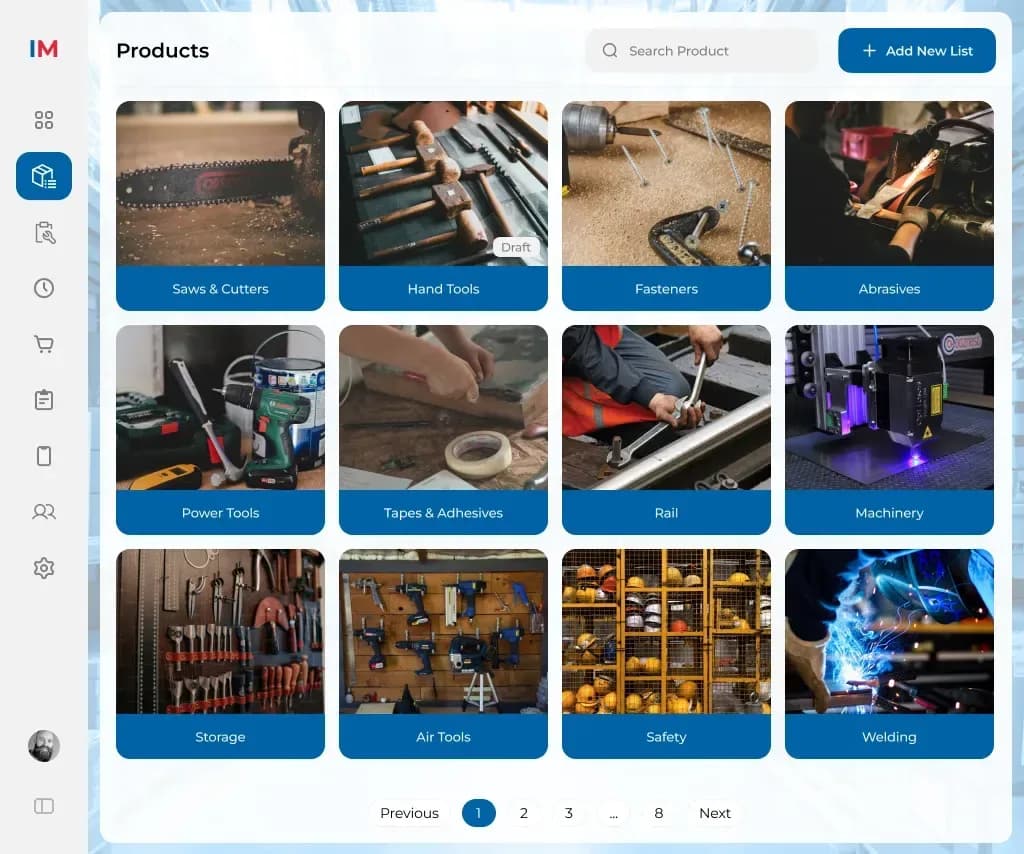
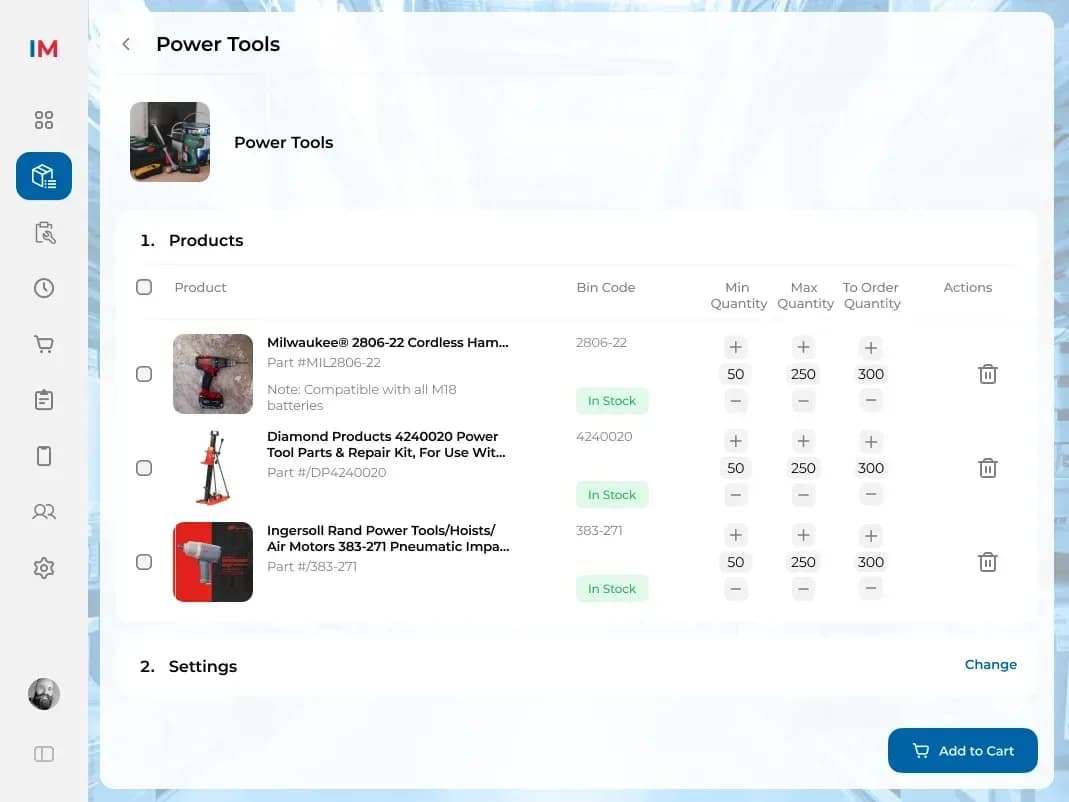
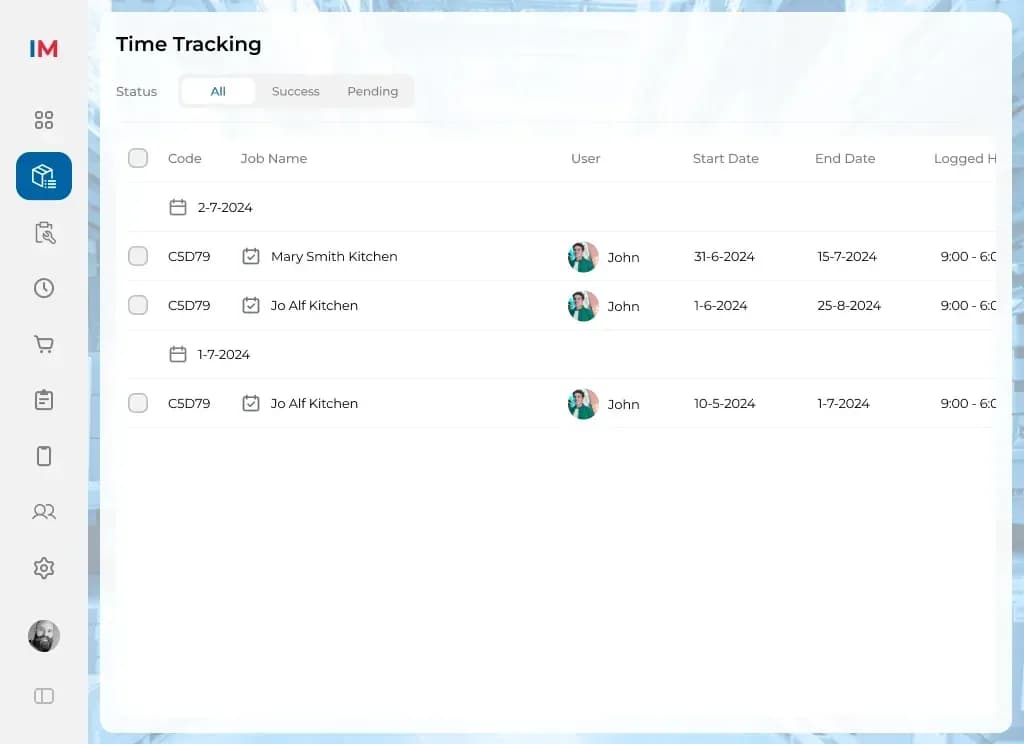
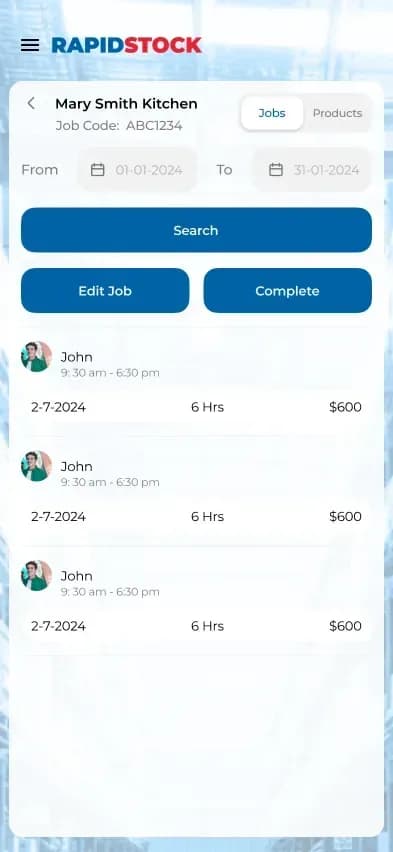
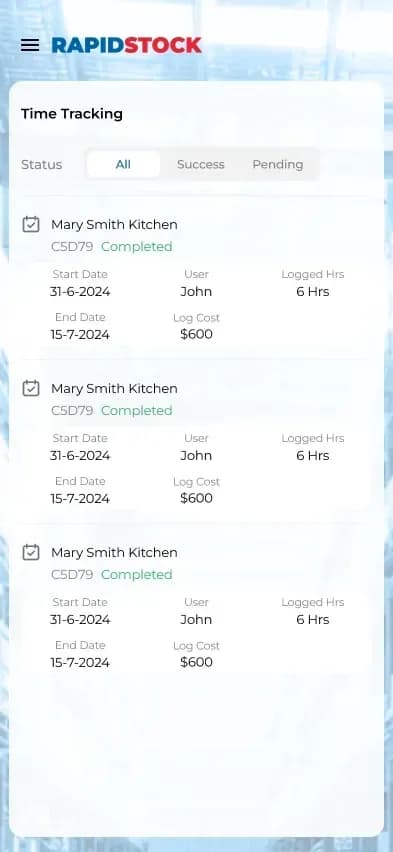
A cross-platform Flutter app for iOS and Android, with six feature areas: sign-in, dashboards, product search, usage and stock scanning, timesheets and contact management.
- Scanning built for the floor. Barcode and QR scanning with the camera or PDA scanners, haptic feedback on every scan and voice input for searches.
- Offline first. Local storage keeps the app usable without signal; changes sync when the connection returns.
- Procurement flow. Purchase orders go for approval, with due dates and shipment tracking.
- Roles and tenancy. A multitenant architecture with admin and workshop roles and detailed role-based permissions.
- Production-ready from day one. Error monitoring in the app and its API calls, shared with the Magento stores, so one team sees problems across both.
The app follows a clean, layered structure with Riverpod state management, a dedicated data-service layer and compile-time configuration, so it stays easy to extend.
What we'd carry into the next field app
- Test offline paths as hard as online ones. We now script "no signal" scenarios into the test plan from the first sprint.
- Share monitoring across surfaces early. Using the same error monitoring for the store and the app paid off; we set that up on day one now.
Gallery